The 12 Best LinkedIn Summary Builder Tools to Use in 2026
Discover the top 12 LinkedIn summary builder tools of 2026. This guide compares features, pricing, and helps you write a summary that gets noticed.

How do I create a compelling LinkedIn summary? Your LinkedIn summary is a critical piece of professional real estate. It's often the first thing a prospect, recruiter, or potential partner reads after your headline. A well-crafted summary can establish credibility, showcase your unique value proposition, and encourage meaningful connections. However, staring at a blank "About" section can be daunting. This is where a LinkedIn summary builder becomes an indispensable tool, helping you generate a compelling narrative quickly.
This guide is designed to help you find the best platform for your specific needs, whether you're a sales leader aiming to attract inbound leads, a founder building a personal brand, or a marketing agency managing multiple client profiles. We have compiled a detailed list of the top summary generators available, moving beyond simple descriptions to provide a practical analysis of each one. You'll find a breakdown of features, pricing, and honest assessments of their pros and cons.
Each entry includes screenshots and direct links, so you can test them yourself without having to search. We will explore everything from free, single-purpose tools to advanced AI assistants integrated into larger platforms. You will learn how each LinkedIn summary builder works, who it’s best for, and how to get the most out of its features. We also include a section on using AI to refine your summary while preserving your authentic voice, a key consideration for building genuine thought leadership. This resource will equip you to create a professional summary that not only captures attention but also drives your career or business goals forward.
1. LinkedIn’s built‑in AI writing assistant (Premium)
For users who prefer a streamlined, on-platform solution, LinkedIn’s own AI assistant is the most direct option available. Accessible exclusively to LinkedIn Premium subscribers, this tool integrates directly into your profile editing experience, eliminating the need to copy and paste text from an external application. It uses the existing information from your work history, skills, and headline to generate a draft for your "About" section.
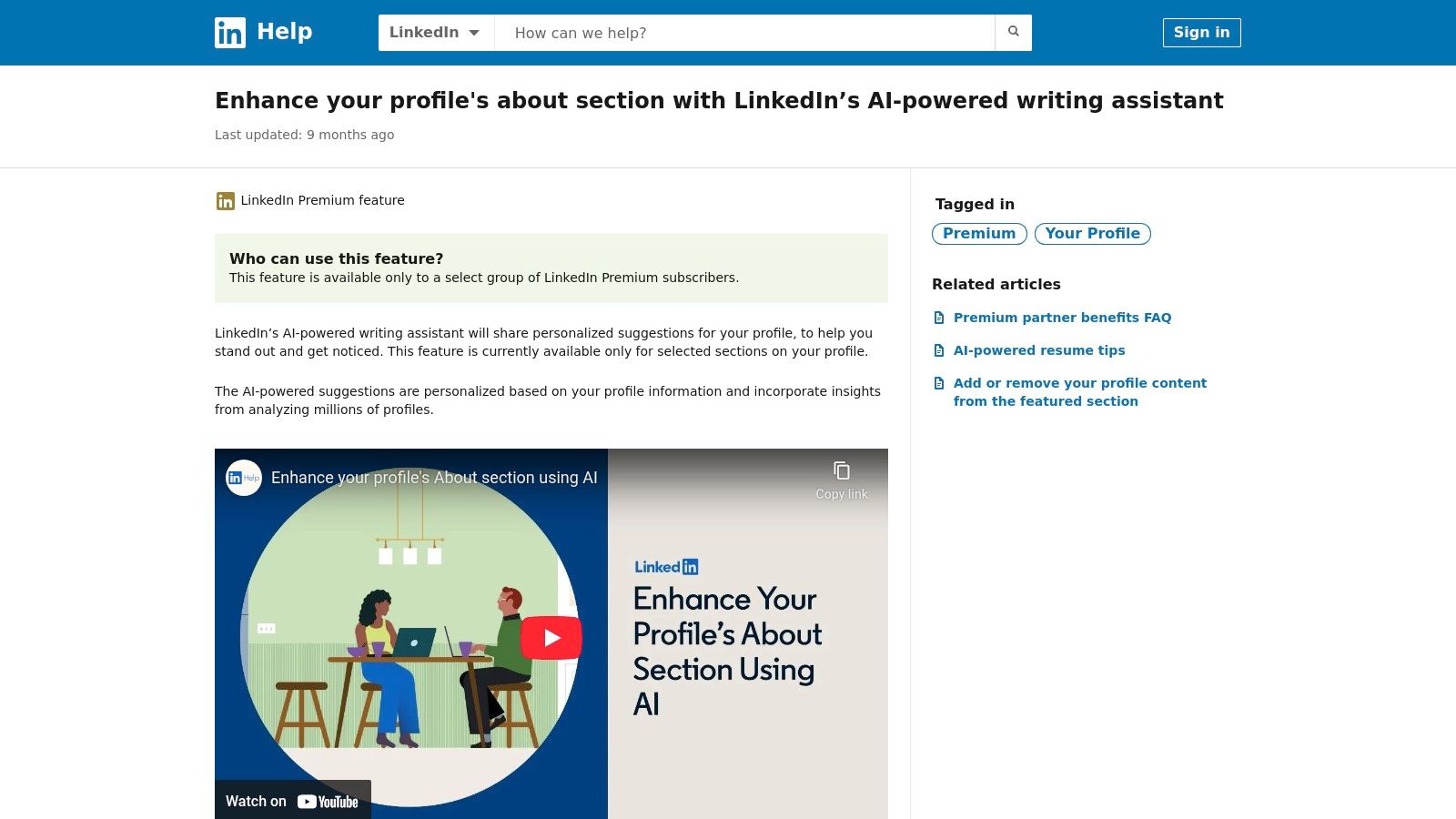
How to use it:
- Navigate to your LinkedIn profile and click the "Edit" (pencil) icon in your introduction card.
- Scroll down to the "About" section and click "Get help with writing."
- The AI will use your profile data to generate a draft summary.
- Review the draft, make edits directly on the platform, and save your changes.
This process makes it an excellent LinkedIn summary builder for professionals who want a quick, context-aware starting point without leaving the site. The AI is designed to understand the structure of a professional bio, often producing a competent first draft. For more in-depth guidance on what a strong summary should contain, you can explore expert advice on how to write a summary in LinkedIn.
However, its convenience comes with limitations. The tool requires a paid Premium subscription, which may not be practical for all users. Additionally, the formatting options are less flexible compared to off-platform editors, and the generated content can sometimes feel generic without significant manual editing.
- Best for: LinkedIn Premium users who want a fast, integrated starting point for their summary.
- Key Feature: Direct integration into the profile editor, using your existing profile data.
- Price: Requires a LinkedIn Premium subscription (starting at $29.99/month).
- Website: LinkedIn Help Center
2. Teal – LinkedIn Summary Generator
For job seekers who want their LinkedIn profile to perfectly align with their resume, Teal’s LinkedIn Summary Generator is a standout choice. This tool is part of a larger career-focused platform that includes a resume builder and job tracker. It generates summaries by drawing directly from the career data, achievements, and keywords you have already saved in your Teal profile, ensuring consistency across your professional documents.
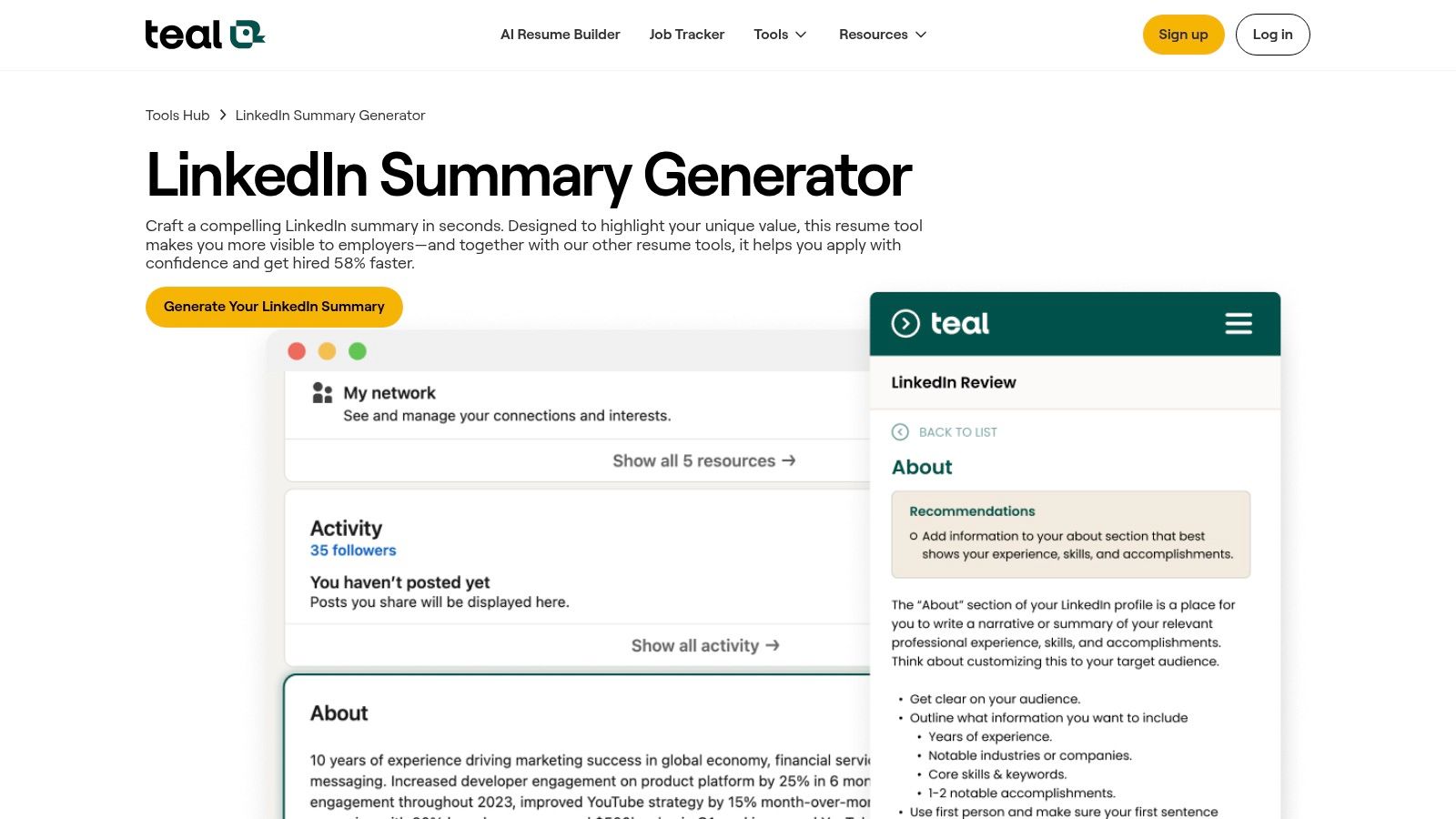
How it works:
- Sign up for Teal and populate your profile with work history, skills, and key achievements from your resume.
- Navigate to the LinkedIn Summary Generator tool within the platform.
- The tool uses your saved data to generate several keyword-rich summary options.
- Choose the best option and refine it before copying it to your LinkedIn profile.
The main advantage of this LinkedIn summary builder is its deep integration with the job search process. By using your stored resume data, it produces market-aware phrasing and suggests relevant keywords, helping your summary resonate with recruiters. The modern, clean user interface makes it easy to generate and refine content. This cohesion between your resume and online presence is crucial, a concept that ties into a broader strategy to grow your professional brand on LinkedIn.
However, to get the best results, you must first invest time in building out your Teal profile with detailed career information. While the free tier is quite robust and offers significant value, the most advanced AI features and unlimited generations are reserved for the paid Teal+ plan.
- Best for: Active job seekers who use Teal’s platform to manage their resume and applications.
- Key Feature: Uses your saved resume data to create a consistent, keyword-rich LinkedIn summary.
- Price: Free tier available; Teal+ starts at $9 per week (billed every 4 weeks).
- Website: Teal LinkedIn Summary Generator
3. Resume Worded – LinkedIn Summary Generator
For job seekers focused on impressing recruiters, Resume Worded offers a pragmatic and data-driven approach. Instead of just generating creative text, this platform analyzes your profile against best practices and produces a summary designed for high impact and readability. Its core strength lies in its optimization engine, which provides a profile score and actionable suggestions for improvement beyond just the summary.
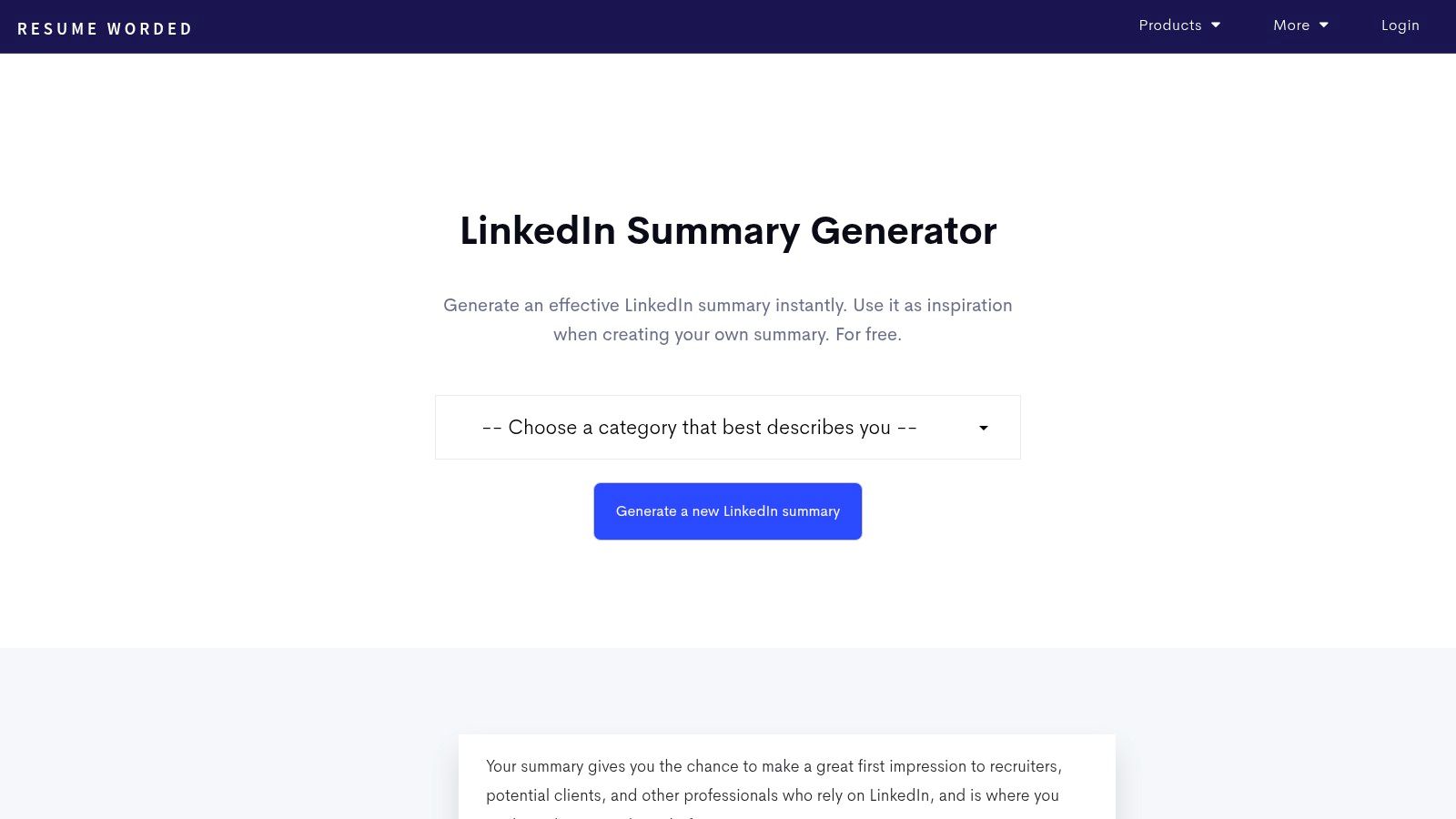
How it works:
- Upload your resume or connect your LinkedIn profile to the Resume Worded platform.
- Use the "LinkedIn Review" tool, which includes the summary generator.
- The AI generates a summary while also providing an overall score for your profile based on recruiter-focused metrics.
- Implement the AI's suggestions to improve your summary and other profile sections.
This tool is more than just a simple LinkedIn summary builder; it's part of a broader suite aimed at career optimization. The AI-driven feedback helps you understand why certain changes are recommended, which is invaluable for learning how to craft better professional copy. While the free version is useful for a quick check, the Pro upgrade unlocks the most powerful analytics. Although its advice is grounded in solid, recruiter-focused principles, some users may find the utilitarian interface less engaging than more modern, stylized platforms. For those looking to use their optimized profile for outreach, you can learn more about how to generate leads on LinkedIn.
- Best for: Job seekers who want data-backed, recruiter-focused feedback on their entire profile.
- Key Feature: Profile scoring and actionable suggestions alongside AI summary generation.
- Price: Free basic generator; Pro access with more detailed analytics starts at $49/month.
- Website: Resume Worded LinkedIn Summary Generator
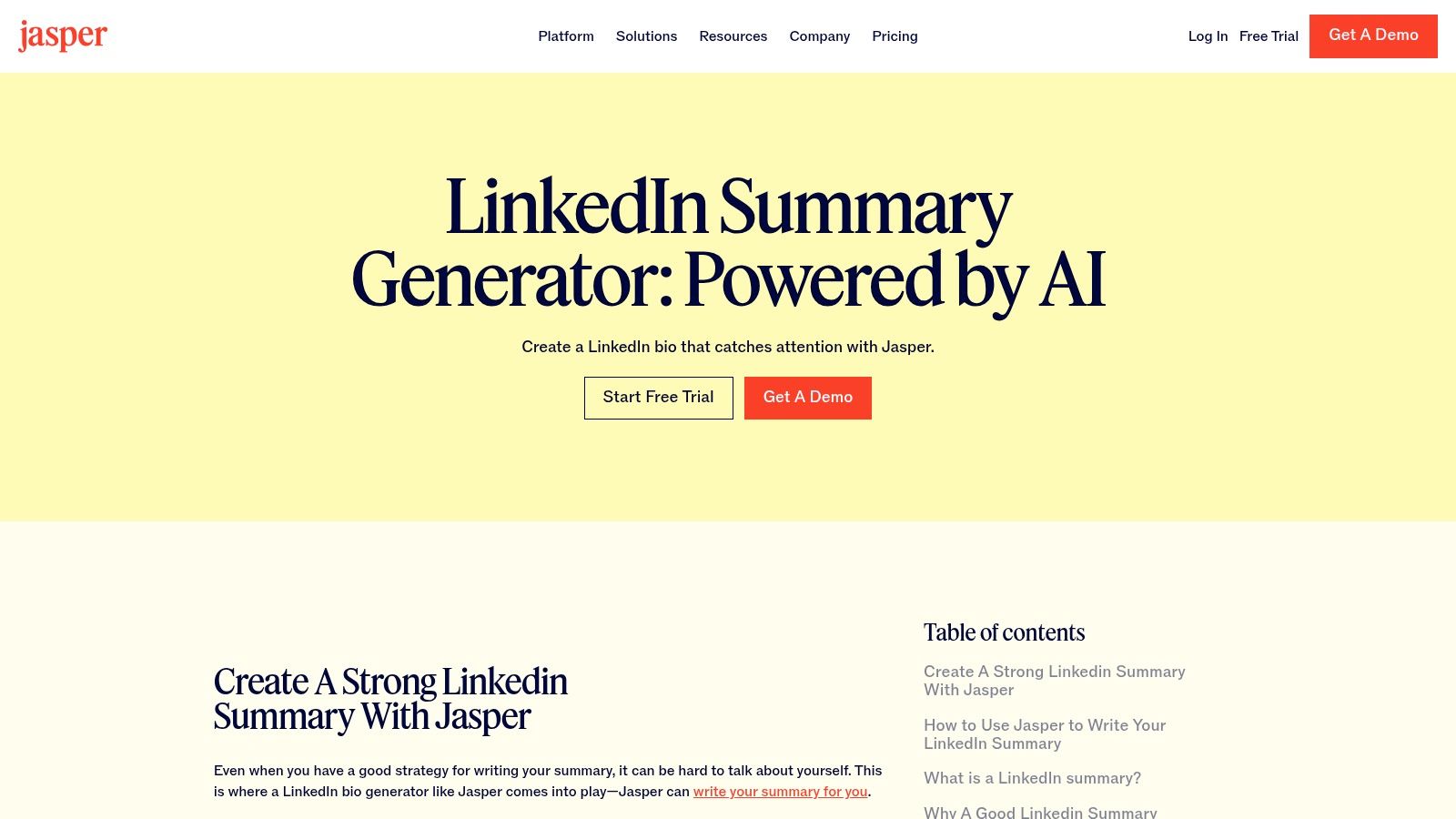
4. Jasper – LinkedIn Summary Generator
For founders, executives, and marketing agencies managing multiple brand voices, Jasper offers a powerful solution that goes beyond a simple summary generator. While it includes a dedicated LinkedIn Summary template, its real strength lies in its broader AI content platform, which is designed to maintain a consistent tone across all channels. Users can train Jasper on their company's style guides, brand voice, and specific messaging to ensure every piece of content, including a LinkedIn summary, sounds authentic.
How it works:
- Sign up for Jasper and create a "Brand Voice" by providing text samples or company information.
- Navigate to the "Templates" section and select the "LinkedIn Personal Bio" template.
- Input key details like your role, skills, and desired tone of voice.
- Jasper generates multiple summary options that adhere to your pre-defined brand voice.
The platform’s value is most apparent for those who need more than a one-off bio. For a ghostwriter or a marketing team, Jasper serves as a central hub for creating client content. This makes it an effective LinkedIn summary builder for professionals who need to scale content production while preserving a distinct brand identity. The collaboration features allow teams to work together seamlessly.
However, its extensive capabilities can be overkill if you only need a single summary. The pricing model, which combines subscription plans with credits for content generation, can also feel complex for individual users.
- Best for: Founders, agencies, and marketing teams needing consistent brand voice across all content, including LinkedIn.
- Key Feature: Strong brand-voice training that allows the AI to learn and replicate your specific tone and style.
- Price: Plans start at $39/month (billed annually), with a credit-based usage system.
- Website: Jasper – LinkedIn Summary Generator
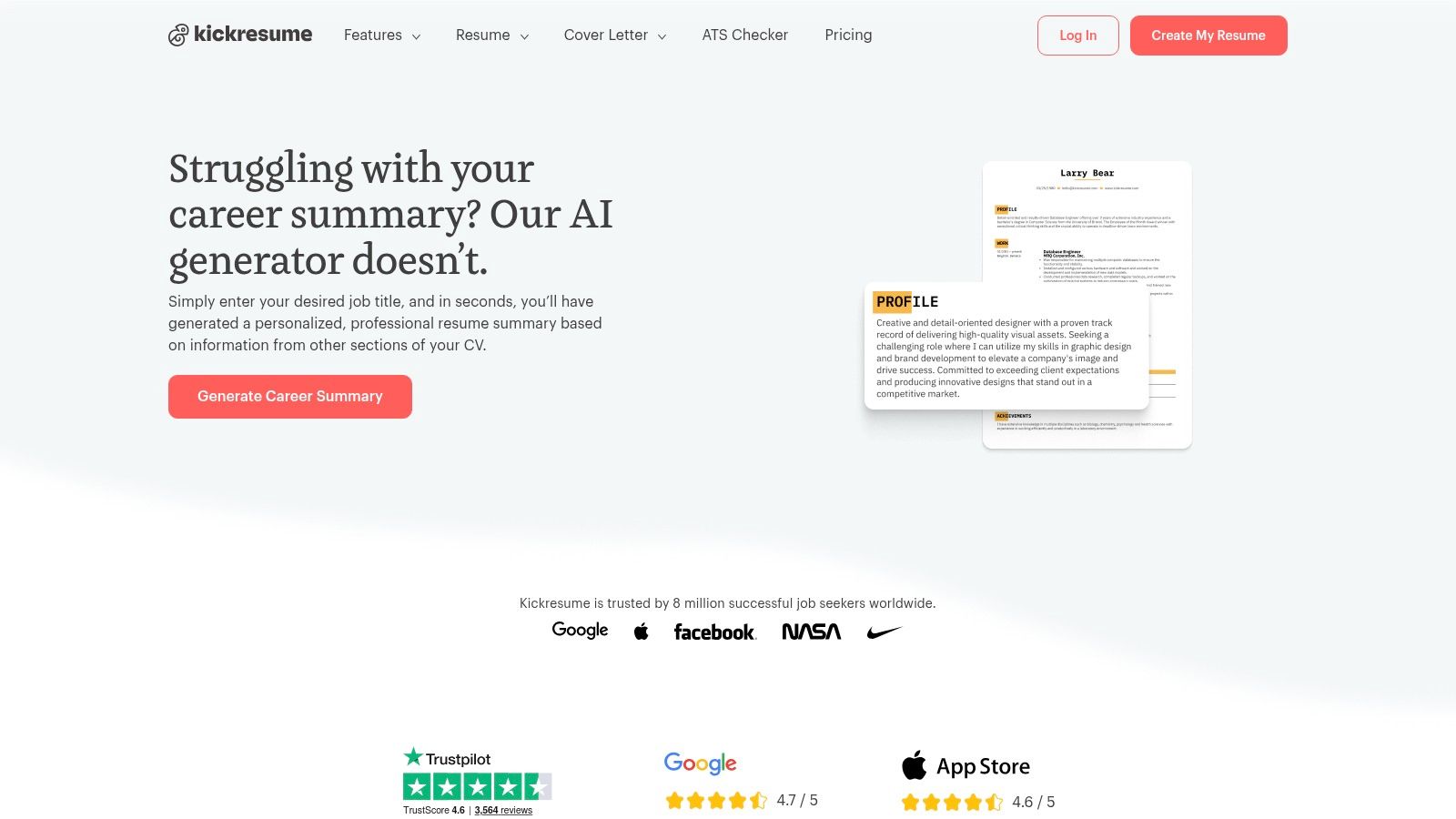
5. Kickresume – Career Summary Generator (repurposed for LinkedIn)
While primarily known as a resume and cover letter builder, Kickresume offers an AI-powered Career Summary Generator that is highly effective for drafting a professional LinkedIn "About" section. Its core strength lies in creating a unified personal brand across your job application materials and your online profile. The tool generates concise, powerful summaries designed for resumes, which can then be easily adapted for LinkedIn's conversational tone.
How to use it:
- Create a profile on Kickresume and start building a resume.
- Use the "AI Writer" feature to generate a career summary based on your job title and details.
- Copy the generated summary from the resume builder.
- Paste it into your LinkedIn "About" section and edit it to be more conversational and add personal details.
This ensures your professional narrative is consistent everywhere a recruiter or client might see it. For those looking for a versatile LinkedIn summary builder that also supports broader job-seeking activities, Kickresume is a practical choice.
However, because the tool is resume-centric, the generated text might be more formal or compact than what works best for a LinkedIn profile. Users will likely need to edit the output to add a more personal touch and expand on key achievements. Many of the platform's advanced AI features and templates are also locked behind a premium subscription.
- Best for: Job seekers who want to maintain a consistent professional brand across their resume and LinkedIn profile.
- Key Feature: AI-driven summary generation that integrates with a full suite of resume and cover letter tools.
- Price: Free plan available with limited AI credits; Premium plans start at $19/month.
- Website: Kickresume Career Summary Generator
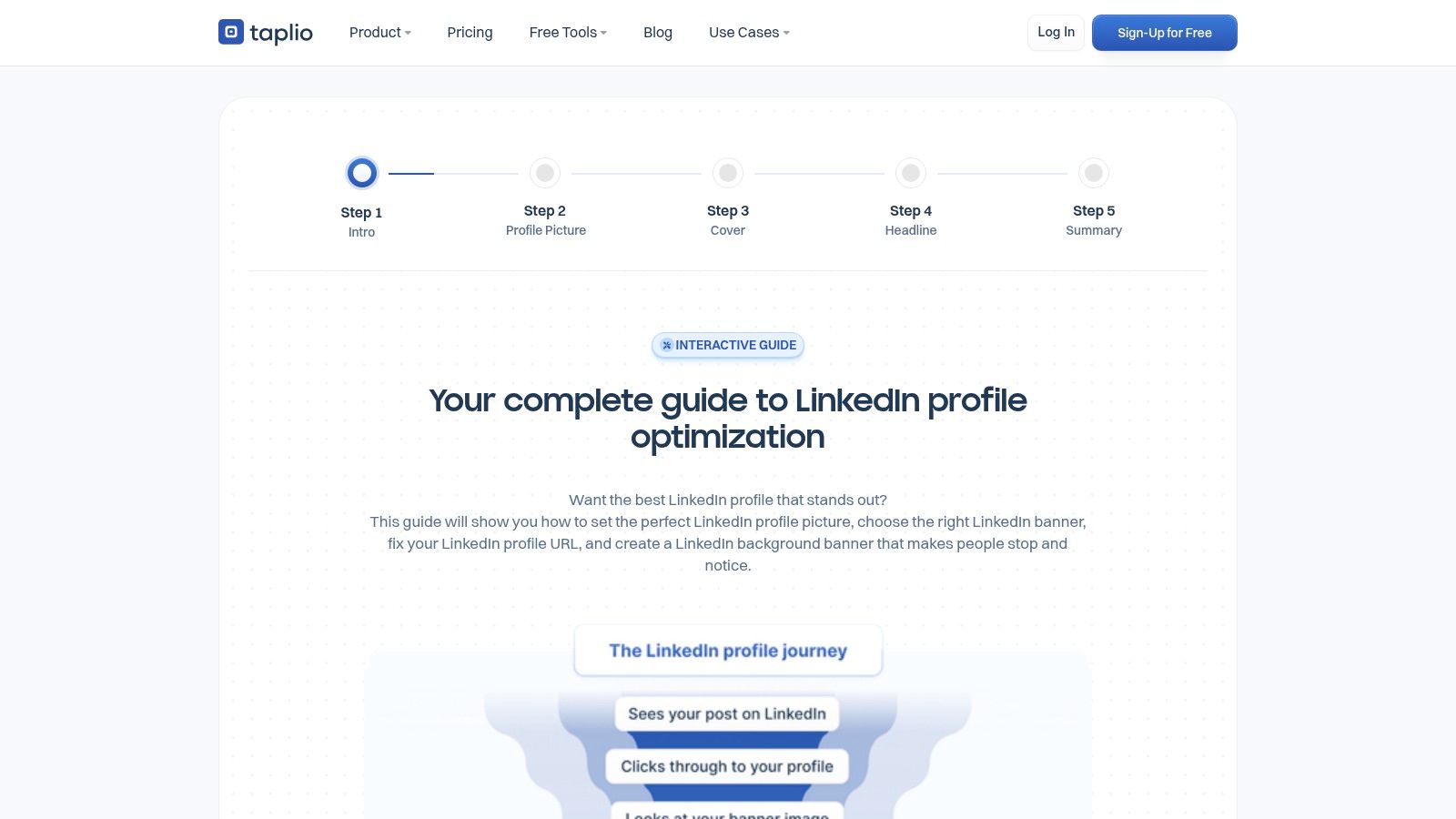
6. Taplio – Free LinkedIn Summary Generator
For content creators and marketers focused on building a presence on LinkedIn, Taplio offers a suite of tools designed for growth, including a fast and free LinkedIn summary builder. Unlike general-purpose AI writers, Taplio's generator is part of a larger ecosystem created specifically for LinkedIn. This means its outputs are often aligned with the platform's best practices for engagement and visibility.
How to use it:
- Go to the free Taplio Summary Generator website.
- Fill in the prompts asking for your role, industry, achievements, and desired tone.
- Click "Generate your summary" to receive an instant draft.
- Copy the text and paste it into your LinkedIn profile, making any necessary refinements.
What makes Taplio stand out is its context. The free generator is a gateway to a comprehensive platform that includes a headline generator, profile analyzer, and content scheduling. This makes it an excellent choice for users who see their LinkedIn summary as one piece of a broader personal branding strategy. You can generate a summary, then immediately use the companion tools to ensure your headline and overall profile are consistent.
However, the free tool is intentionally lightweight. While it provides a solid foundation, the generated summaries often require manual polishing to inject a more personal voice and move beyond a templated feel. The real power is unlocked within Taplio's paid subscription.
- Best for: Creators, marketers, and entrepreneurs who want a summary generator that is part of a complete LinkedIn growth toolkit.
- Key Feature: Free summary generation integrated with a broader ecosystem of LinkedIn-specific optimization tools.
- Price: The summary generator is free; the full Taplio platform has paid plans starting at $39/month.
- Website: Taplio Summary Generator
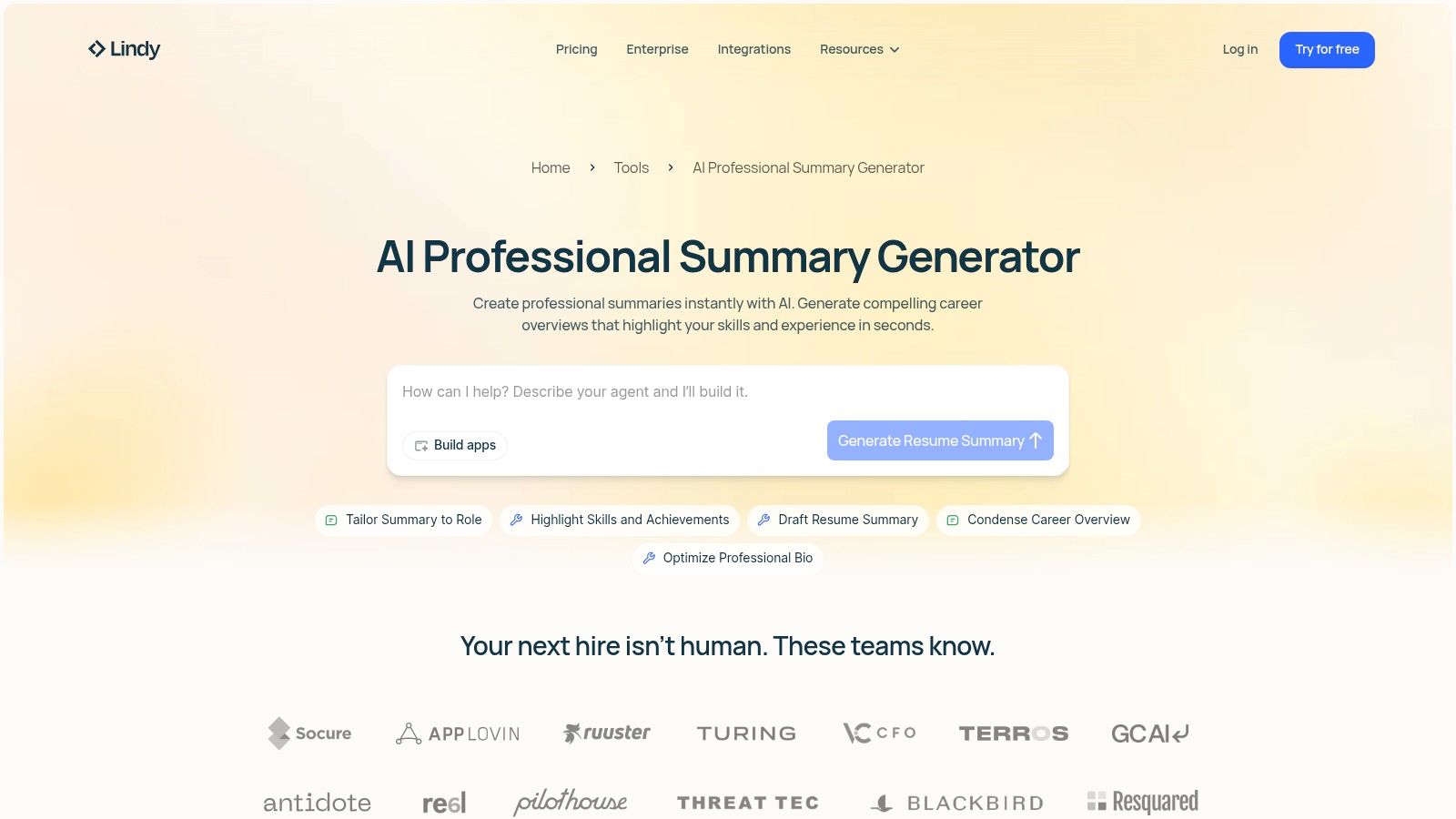
7. Lindy – AI Professional Summary Generator
Lindy’s professional summary tool is designed for professionals who need consistent messaging across their entire digital presence, from LinkedIn to resumes and personal portfolios. Instead of just producing a one-off bio, it generates role- and seniority-specific summaries that maintain a consistent voice. This makes it a strong contender for users who are building a cohesive personal brand across multiple platforms.
How it works:
- Visit Lindy’s AI Professional Summary Generator tool.
- Input your core details, such as profession, years of experience, and key accomplishments.
- Select the desired output format (e.g., LinkedIn Bio, Resume Summary).
- Generate different versions and choose the one that best fits your LinkedIn profile.
The key strength of this tool is its focus on repeatability and consistency. You can input your core details once and generate different versions tailored for an executive bio, a freelance profile, or a formal resume, ensuring your core value proposition remains the same. As a dedicated LinkedIn summary builder, it’s effective for creating a foundational piece of copy that can be adapted elsewhere.
However, Lindy is part of a much broader AI assistant product. This can introduce a learning curve if your only goal is to write a single summary. The wider scope might feel like overkill for a quick one-time task.
- Best for: Professionals and consultants managing their brand across multiple platforms (LinkedIn, resume, portfolio).
- Key Feature: Generates role-specific summary variants to ensure voice consistency.
- Price: Free trial available; paid plans start at $24/month.
- Website: Lindy AI Professional Summary Generator
8. Waalaxy – Free LinkedIn Summary Generator
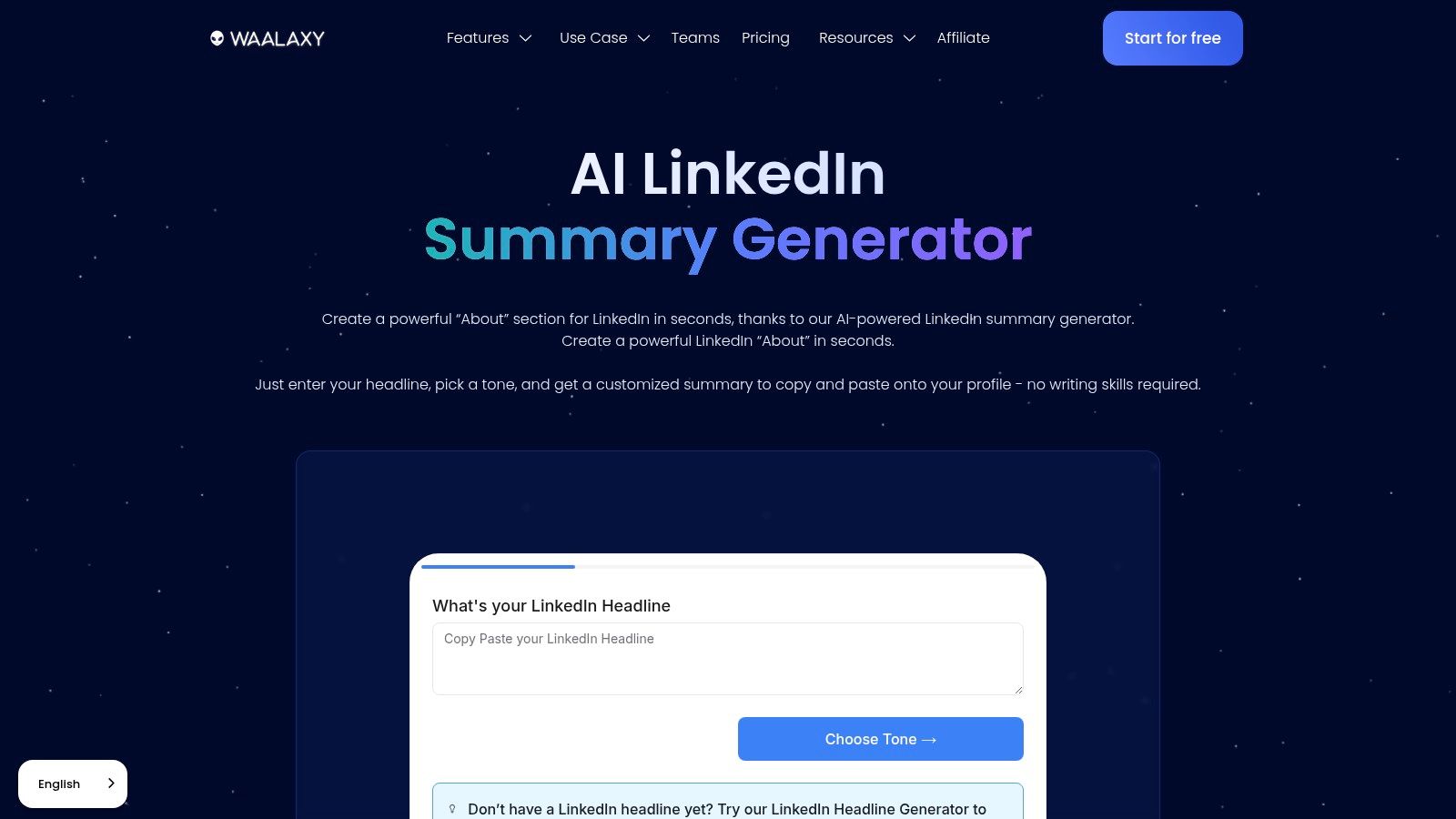
For those seeking a straightforward, no-cost tool to generate quick ideas, Waalaxy’s Free LinkedIn Summary Generator is a strong contender. It operates on a simple premise: provide a few basic inputs like your job title and key skills, and it drafts several "About" section options. This makes it an ideal starting point for professionals who feel stuck staring at a blank page and need inspiration to get started.
How it works:
- Go to the Waalaxy summary generator page.
- Enter basic information like your job title and primary skills.
- The tool instantly generates several summary drafts with different tones and structures.
- Use the provided examples as inspiration to write or refine your own summary.
The tool’s main advantage is its speed and the inclusion of example outputs that illustrate different professional tones. This helps you visualize how a summary can be structured before you begin customizing it. While Waalaxy's core business is sales outreach and automation, this free utility serves as an effective, standalone LinkedIn summary builder.
However, its simplicity means the generated content can be generic without significant personalization. The output serves best as a foundational template that requires you to inject your unique voice and specific career accomplishments. It is less a final solution and more a creativity spark to overcome writer's block.
- Best for: Professionals and students needing a fast, free, and simple way to generate initial summary ideas.
- Key Feature: Instant draft generation from minimal inputs with accompanying tone and structure examples.
- Price: Free.
- Website: Waalaxy – Free LinkedIn Summary Generator
9. TLinky – LinkedIn Summary Generator
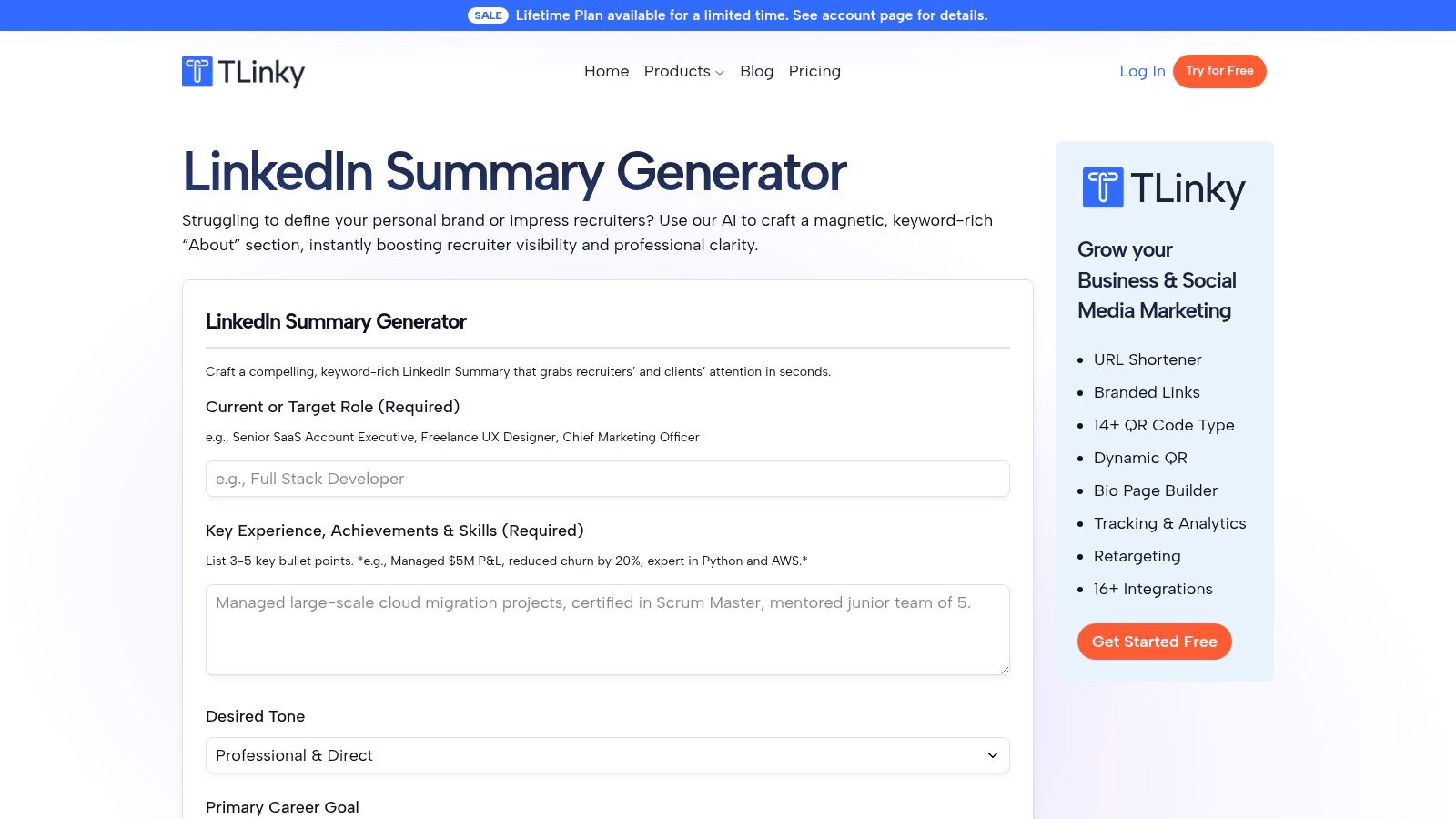
TLinky is a personal-brand-focused LinkedIn writer that concentrates on the critical opening lines of your "About" section. It's built on the understanding that the first 3–6 lines are all a visitor sees before clicking "See more," making that small space essential for creating a strong hook. This tool is especially useful for freelancers, consultants, and anyone aiming to grab a reader’s attention immediately.
How it works:
- Access the TLinky generator and select a role-specific template.
- Input your key value proposition and target audience.
- The tool generates several opening hooks and summary structures optimized for readability.
- Refine the output, focusing on making the first few lines as impactful as possible.
The platform’s standout quality is its practical focus on engagement. It provides role-specific templates and enforces readability guardrails to keep your summary scannable and impactful. As a specialized LinkedIn summary builder, it gives you a clear advantage in crafting a compelling opening.
While its niche focus is a strength, it's also a limitation. It’s not an all-in-one AI writer for generating long-form articles or diverse content. Achieving a highly personalized summary might also require a few attempts to refine the output to your exact voice.
- Best for: Freelancers, consultants, and professionals focused on optimizing their profile's opening hook.
- Key Feature: Strong emphasis on crafting the first 3-6 lines for "above-the-fold" impact.
- Price: Free tool available; paid plans with a free trial offer more advanced features.
- Website: TLinky
10. Rephrasely – Instant LinkedIn Summary Generator
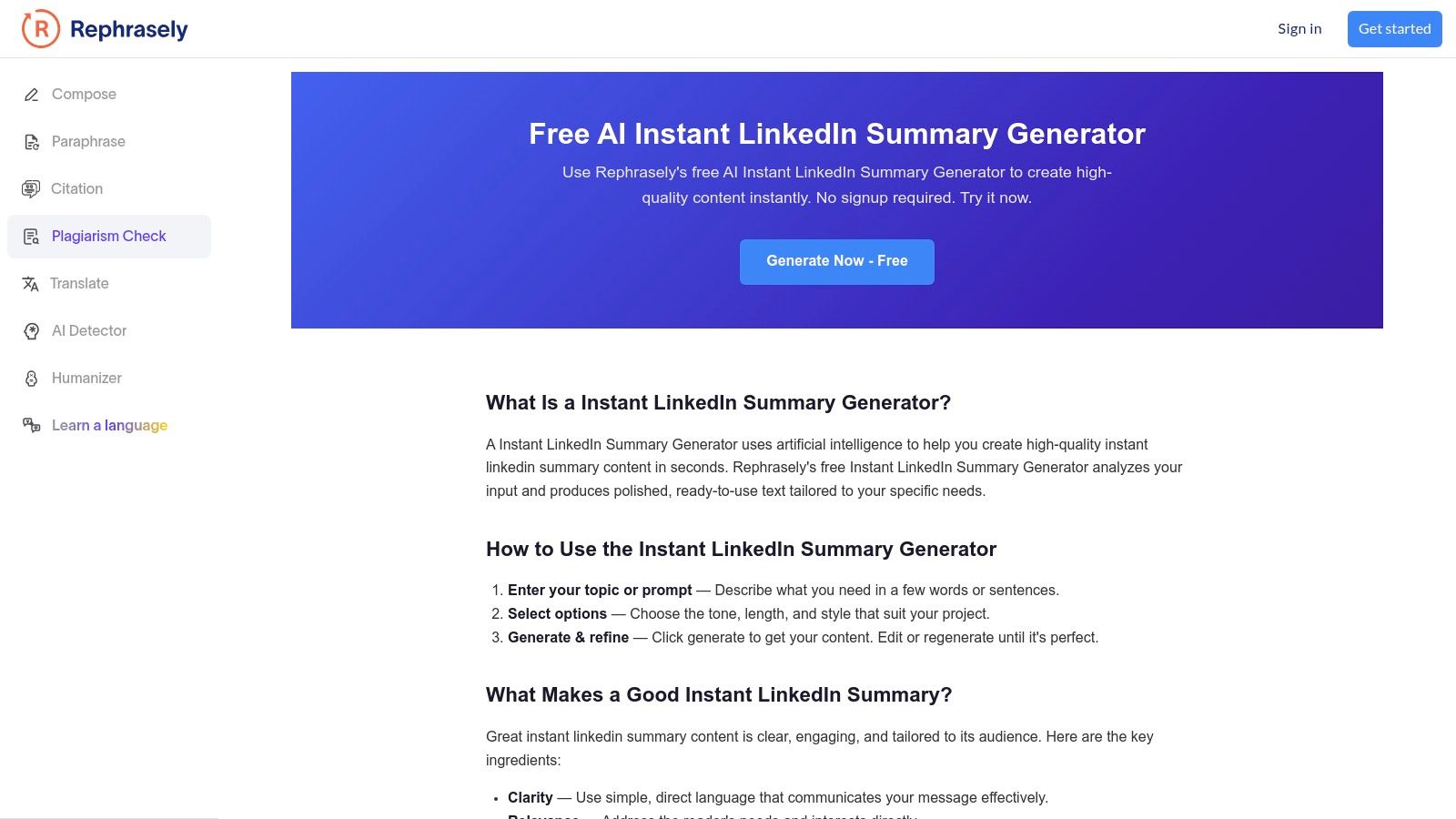
For professionals seeking a rapid, no-frills method to generate or rework their summary, Rephrasely offers one of the most straightforward tools available. It operates as a web-based generator that produces drafts based on minimal input, making it ideal for brainstorming or overcoming writer's block. Its key distinction is its accessibility; no account or login is required for basic use.
How it works:
- Visit the Rephrasely generator tool.
- Enter basic keywords about your role and skills, or paste your existing summary.
- Choose a desired tone from options like "Professional," "Creative," or "Confident."
- Generate multiple rewritten versions instantly to compare and contrast.
The platform shines when used for rephrasing or exploring different angles for an existing summary. This makes it an excellent LinkedIn summary builder for A/B testing different versions of your profile. The ability to generate multiple variations quickly helps you find the right voice without a significant time investment.
However, its simplicity is also its primary limitation. Rephrasely lacks context from your full LinkedIn profile, so the summaries it generates are not deeply personalized. The output serves as a solid foundation, but it almost always requires manual editing to add specific achievements and metrics. It is best viewed as a starting point or a polishing tool.
- Best for: Users who need a quick, free starting point or want to rephrase an existing summary in different tones.
- Key Feature: No-login, one-click generation with multiple tone and style options.
- Price: Free for basic use; premium plans are available for more advanced features.
- Website: Rephrasely
11. Socifan – LinkedIn Summary Generator
For professionals seeking a straightforward tool to break through writer's block, Socifan’s LinkedIn Summary Generator provides a fast and focused solution. It is a lightweight, web-based tool designed to produce quick starter drafts by asking for simple background information. Its main appeal is its simplicity, making it an effective LinkedIn summary builder for brainstorming initial ideas without the complexity of a larger software suite.
How it works:
- Navigate to the Socifan LinkedIn Summary Generator.
- Enter your role, key responsibilities, and select your industry from a dropdown menu.
- Choose a desired tone, such as "Professional" or "Friendly."
- Generate an initial draft that is tailored to your industry's communication style.
The generator stands out with its industry-specific tone and style controls. This feature helps ensure the initial output feels relevant and requires less work to align with your personal brand. The interface is clean and operates quickly, allowing you to generate multiple versions in a short amount of time to find a direction you like.
While it excels at setting a foundational direction, the depth and nuance of the summary heavily depend on the quality of your input. Unlike more advanced platforms, it offers fewer editing aids or refinement suggestions after generating the initial text. It's best used as a first step to overcome the initial hurdle of a blank page.
- Best for: Users who want to quickly brainstorm different summary angles and establish an industry-appropriate tone.
- Key Feature: Tone and style controls based on industry to create field-specific starter drafts.
- Price: Free.
- Website: Socifan – LinkedIn Summary Generator
12. LazyApply – LinkedIn Summary Generator
LazyApply offers a LinkedIn summary builder designed to produce story-style "About" sections aimed at driving engagement. This tool is part of a larger suite of job-application automation products, making it a natural fit for users already within the LazyApply ecosystem. Its approach is geared toward professionals who want to move beyond a simple list of skills and create a compelling professional narrative.
How it works:
- Access the LazyApply generator within its suite of tools.
- Provide prompts about your experience, focusing on your career journey or key milestones.
- The tool generates a first-person, narrative-style summary.
- Edit the draft to add specific metrics and personalize the story to reflect your authentic voice.
The generator's main distinction is its focus on crafting a story. Instead of just summarizing your resume, it attempts to weave your experience into a first-person account that can catch a reader's attention. If you are already using LazyApply to manage job applications, this integrated feature provides a convenient way to keep your profile and resume aligned without switching between platforms.
However, the tool's interface is quite minimal, with few controls for refining the output. The summaries often feel like a good starting template but will almost certainly require significant manual editing to capture your authentic voice and specific accomplishments.
- Best for: Sales professionals, job seekers, and GTM leaders who prefer a narrative-driven summary.
- Key Feature: Story-style summary drafts that aim for engagement and lead generation.
- Price: Free for basic generation; part of the LazyApply suite with premium features for job applications.
- Website: LazyApply
Top 12 LinkedIn Summary Builder Tools Comparison
Which LinkedIn summary builder is the best? Here is a direct comparison of the top 12 tools to help you decide.
Final Thoughts
The journey to crafting a compelling LinkedIn profile has shifted significantly.What was once a manual, often frustrating process of staring at a blank "About" section can now be accelerated with a purpose-built linkedin summary builder. As we've explored, the market offers a wide spectrum of solutions, from simple, free generators to advanced AI assistants integrated into larger career or sales platforms.
Your primary takeaway should be that these tools are not a one-size-fits-all solution. A sales professional whose goal is lead generation will find more value in a tool like Waalaxy, which integrates summary creation into a broader outreach system. Conversely, a job seeker looking to optimize their entire profile against specific job descriptions will gravitate toward the comprehensive analysis provided by Teal or Resume Worded. Founders and executives aiming to build thought leadership might prefer the nuanced, brand-aligned content creation capabilities of a more advanced AI writer like Jasper.
Making Your Selection: A Practical Checklist
How do I choose the right LinkedIn summary builder? Before you commit to a tool, ask yourself these critical questions:
- What is my primary objective? Is it getting a new job, attracting sales leads, building a personal brand, or managing client profiles? The answer will immediately narrow your options.
- How much customization do I need? Do you want a tool that gives you a solid starting point to edit heavily, or do you need a generator that can absorb detailed inputs about your tone of voice, accomplishments, and unique value proposition?
- What is my budget? Many excellent free tools, like those from Taplio or Waalaxy, can produce satisfactory results. However, investing in a premium subscription often unlocks deeper customization, better AI models, and integration with other essential professional tools.
- Is this a standalone need or part of a bigger workflow? If you already use a platform for job tracking or sales prospecting, check if it has a built-in summary generator. Using an integrated feature is almost always more efficient than adding another separate tool to your stack.
Implementation is Everything
Remember, the output from any linkedin summary builder is a first draft, not a final product. The most critical step in this process is human refinement. An AI can structure your accomplishments and articulate your skills, but it cannot replicate your unique voice, your personal stories, or the subtle nuances that make you relatable and authentic.
Always treat the generated text as a strong foundation. Read it aloud. Does it sound like you? Inject your personality, add a specific anecdote that illustrates a key skill, and check for any generic phrases that dilute your message. The goal is to create a summary that an AI helps write, but that a human perfects. This combination of technological efficiency and personal touch is what ultimately creates a LinkedIn summary that connects and converts. By choosing a tool that fits your workflow and committing to the final step of personalization, you can build a powerful professional narrative that opens doors to new opportunities.
Ready to move beyond generic summaries and develop a consistent, authentic voice across all your LinkedIn content? Brewbrand offers a specialized AI platform designed for founders, leaders, and agencies to create original thought leadership content that sounds genuinely human. We help you scale your presence without sacrificing the personal touch that builds true authority. Learn how to train your AI brand voice at Brewbrand.
Generate LinkedIn content easier than ever before
Lorem ipsum dolor sit amet, consectetur adipiscing elit. Lorem ipsum dolor sit amet, consectetur.